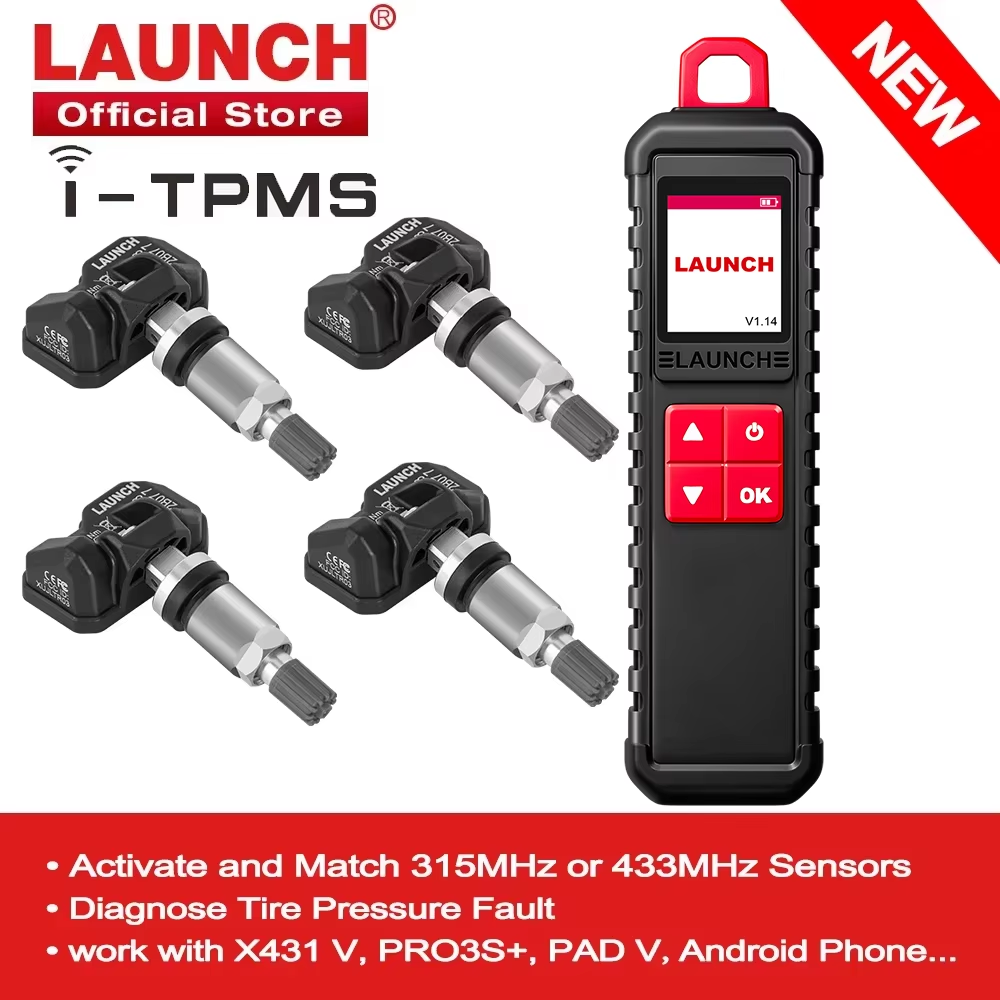
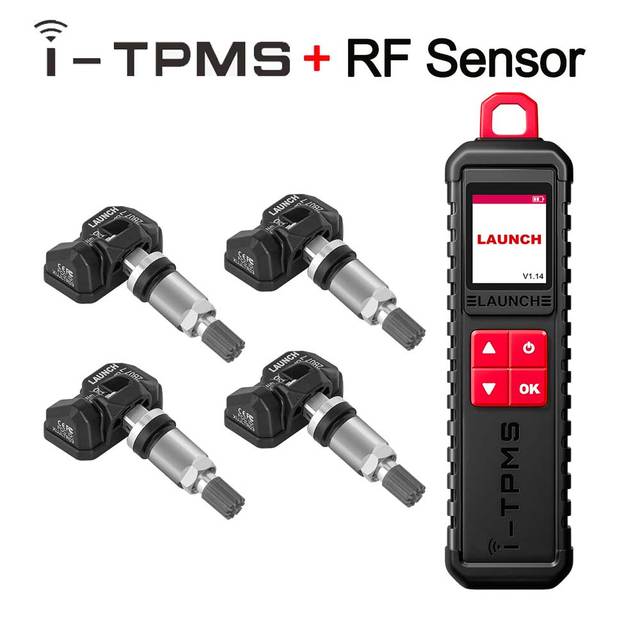
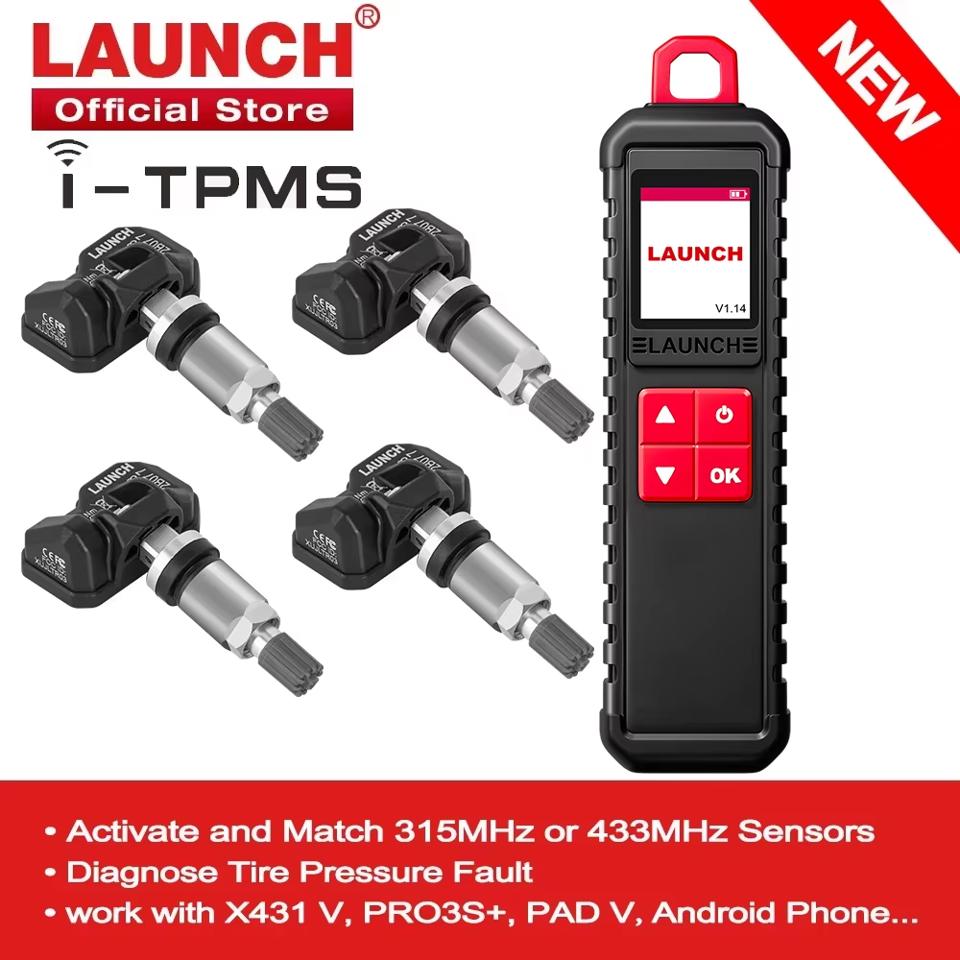
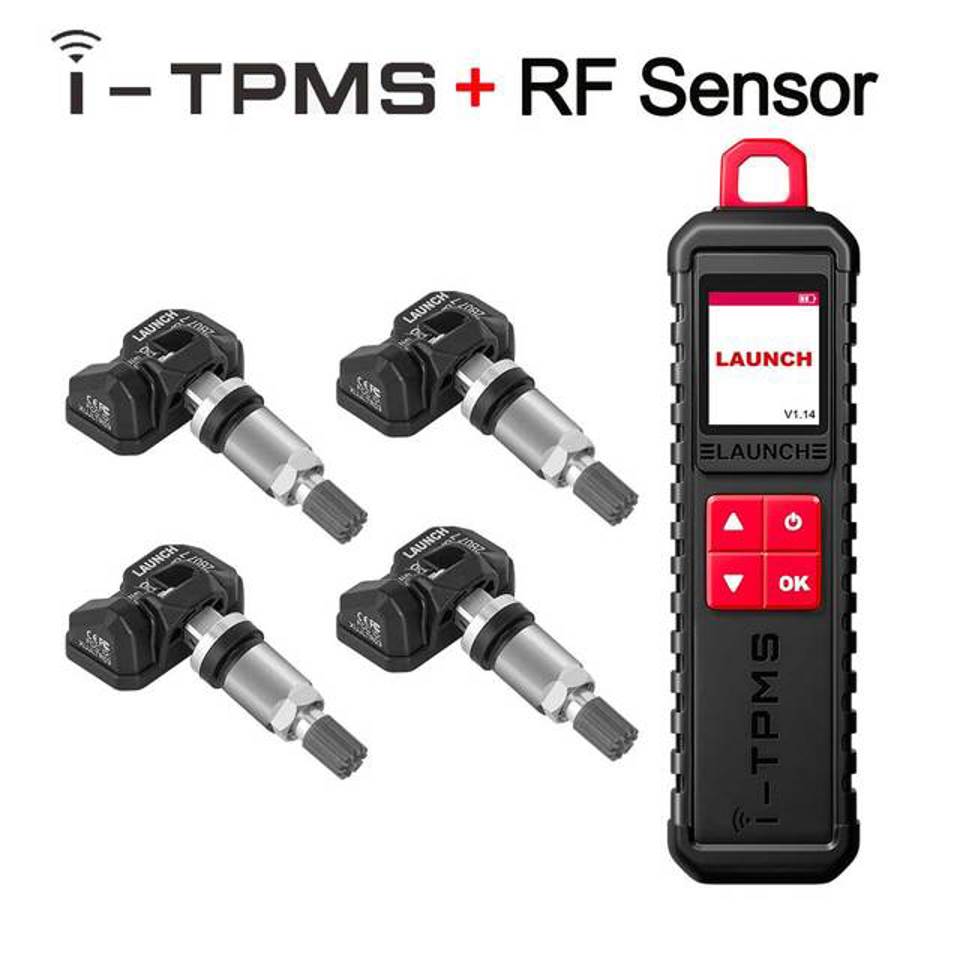
Эффективный активатор датчиков шин LAUNCH X431 I-TPMS для механиков

Похожие товары
- Товар пока без отзывов — купите сейчас и расскажите о нём всё
Описание
LAUNCH X431 T-TPMS Tire pressure Diagnostic Tools Active 315MHz & 433MHz sensors Read & Write Sensor ID TPMS Programming and Learning Read & Clear Tire Pressure Fault Support work with x431 V/V+/X431 PRO3/X431 PRO3S /PAD V / PAD VIII ect
Please Note before you buy
LAUNCH I-TPMS can program L AUNCH RF-Sensor and Original car sensor ONLY does Not program other sensor. Please click on the picture to buy
LAUNCH X431 I-TPMS Tire pressure Diagnostic Tools Active 315MHz & 433MHz sensors Read & clear tire pressure fault Read & Write Sensor ID TPMS Programming and Learning Support work with x431 V/V+/X431 PRO3/X431 PRO3S /PAD V / PAD VIII ect
NOTICE
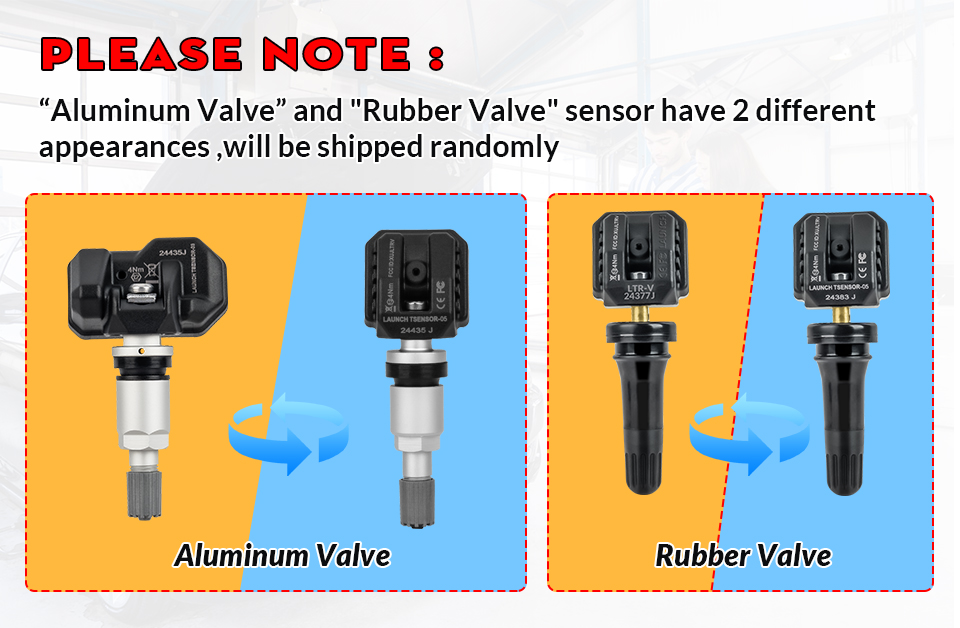
LAUNCH RF-Sensor tool has 2 appearance designs and is shipped randomly
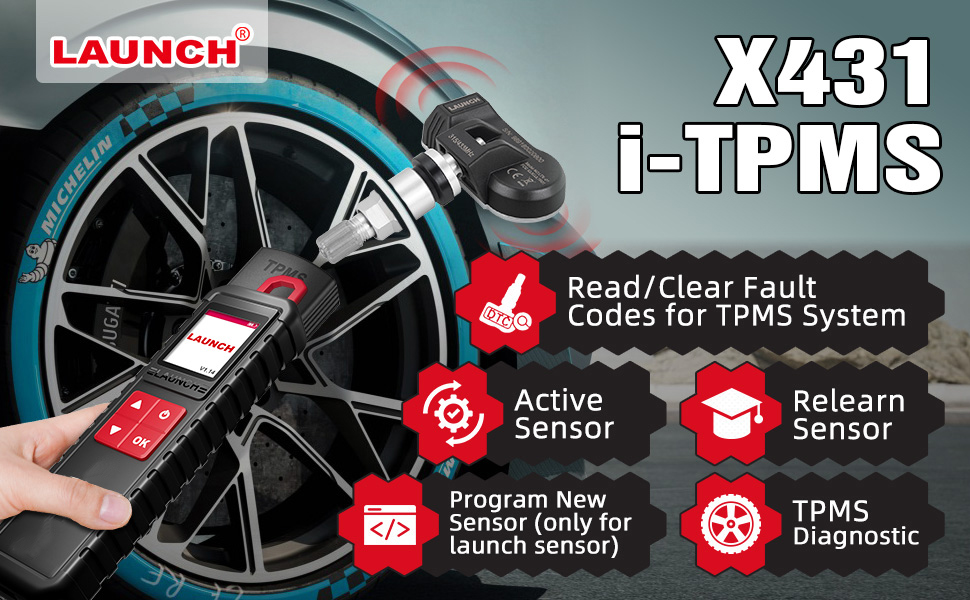
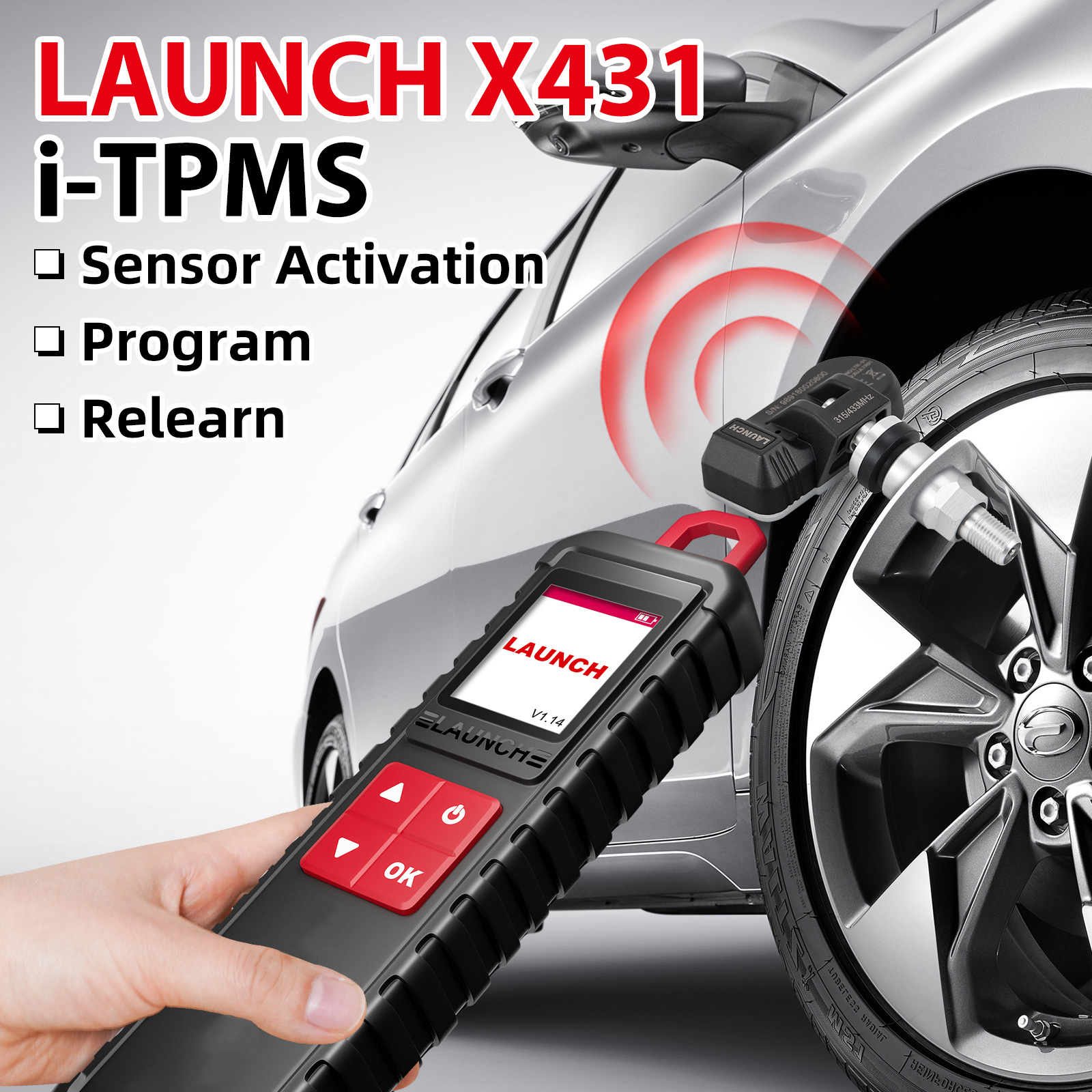
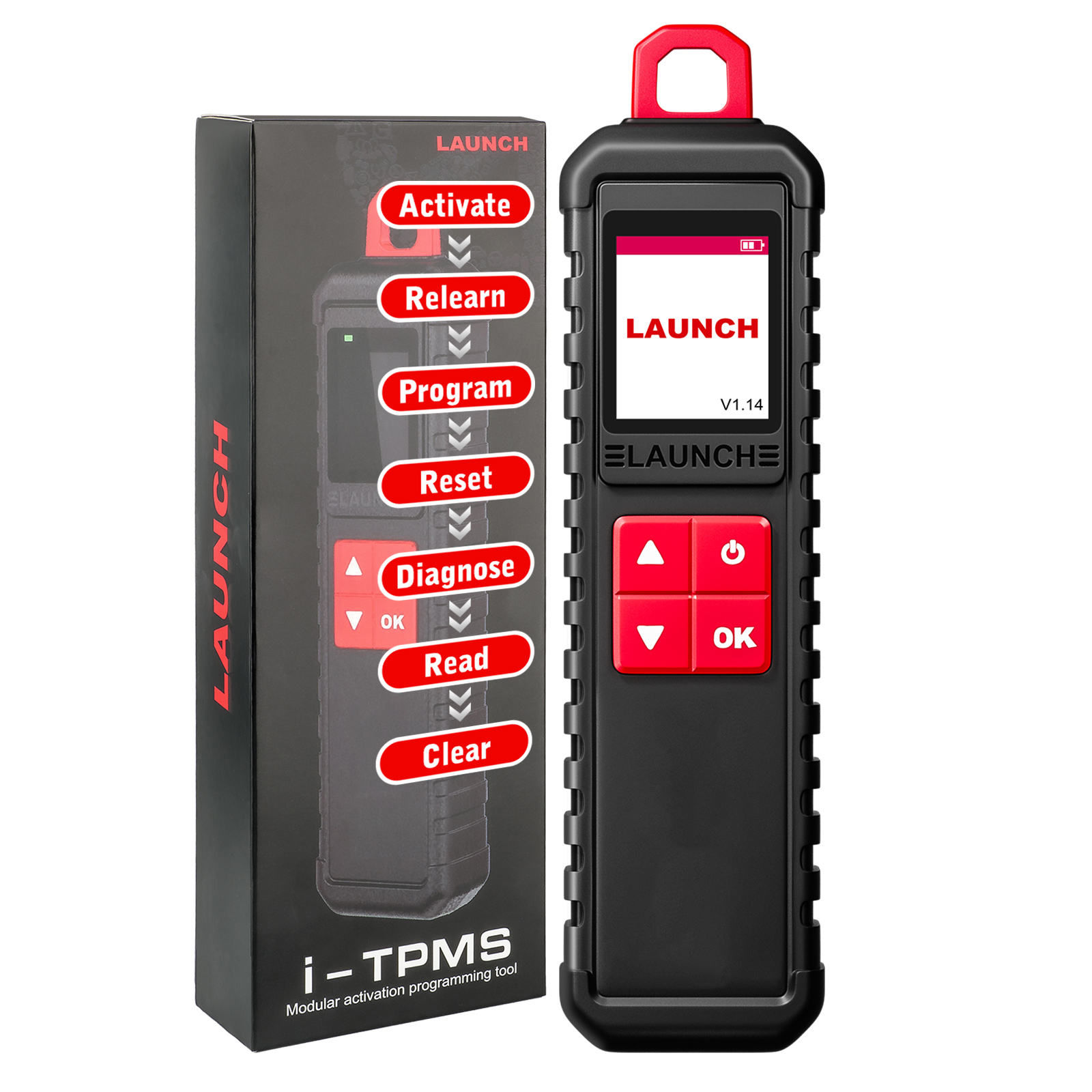
X-431 i-tpms is a professional TPMS diagnostic tool that integrates TPMS sensor activation reading learning and programming. It can activate and read tire pressure sensor information through high or low radio frequency
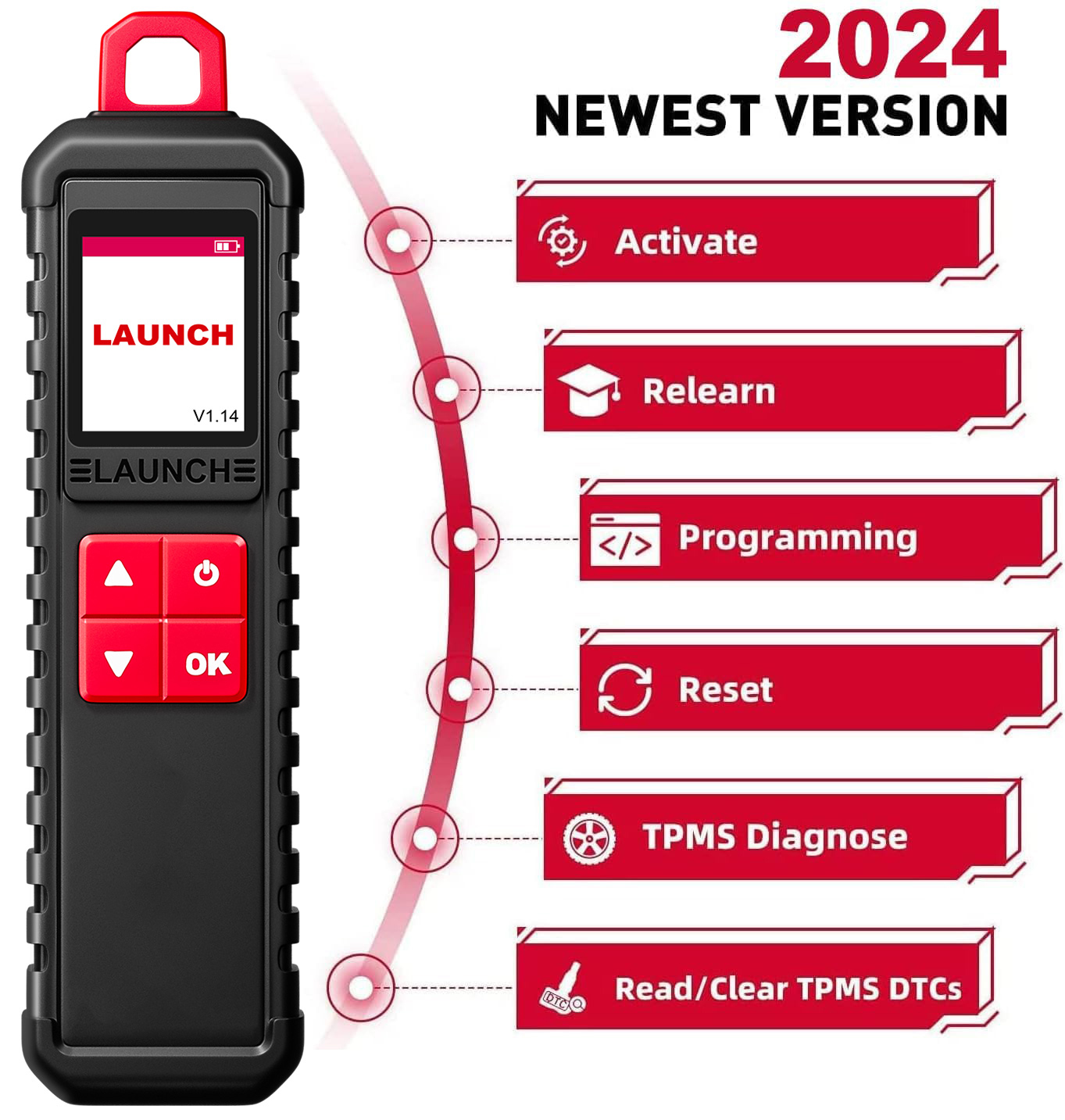
The key reason to Choose LAUNCH I-TPMS Wand
1. 1.77 inch color screen2. Instantly read tire pressure tire temperature and battery status3. Diagnose tire pressure fault including read DTC clear DTC etc.4. Activate and match all 315MHz or 433MHz sensors5. Read copy and write the sensor ID quickly6. Reprogram LAUNCH sensors with unlimited times7. Built-in tire pressure learning instruction makes operation more easy8. Cover 98% global vehicles with tire pressure system9. Compatible modules X431 V/V+/PRO3S/PRO3S+/PAD V/PAD II/PAD VIIect10. Support Language English French Spanish German Russian Korean Japanese Portuguese Italian Polish Dutch Hungarian Finnish Simplified Czech Turkish Greek Arabic Danish Persian Romanian Serbian Swedish Chinese Traditional
Compatible product list
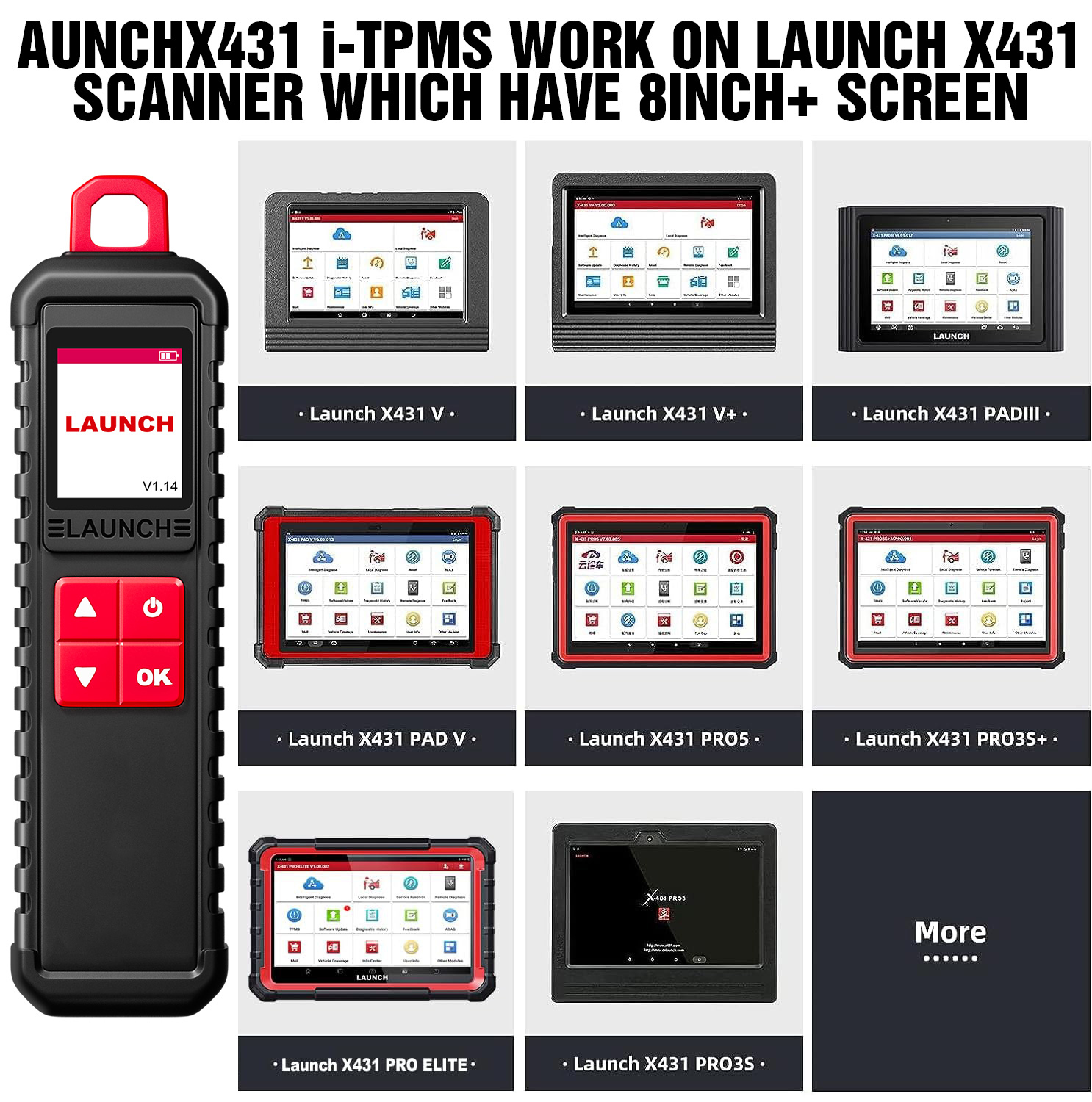
X431 I-TPMS can work with anyone of the following diagnostic tools of Launch family.X431 Serial X431 V X431 V+ ect Pro Series X431 PRO/ X431 PRO3/ X431 PRO5/X431 PRO3S+PAD Series X431 PAD III / X431 PAD V....More products will be covered to support this feature.(Note can not work with Diagun V and X431 Pro mini )
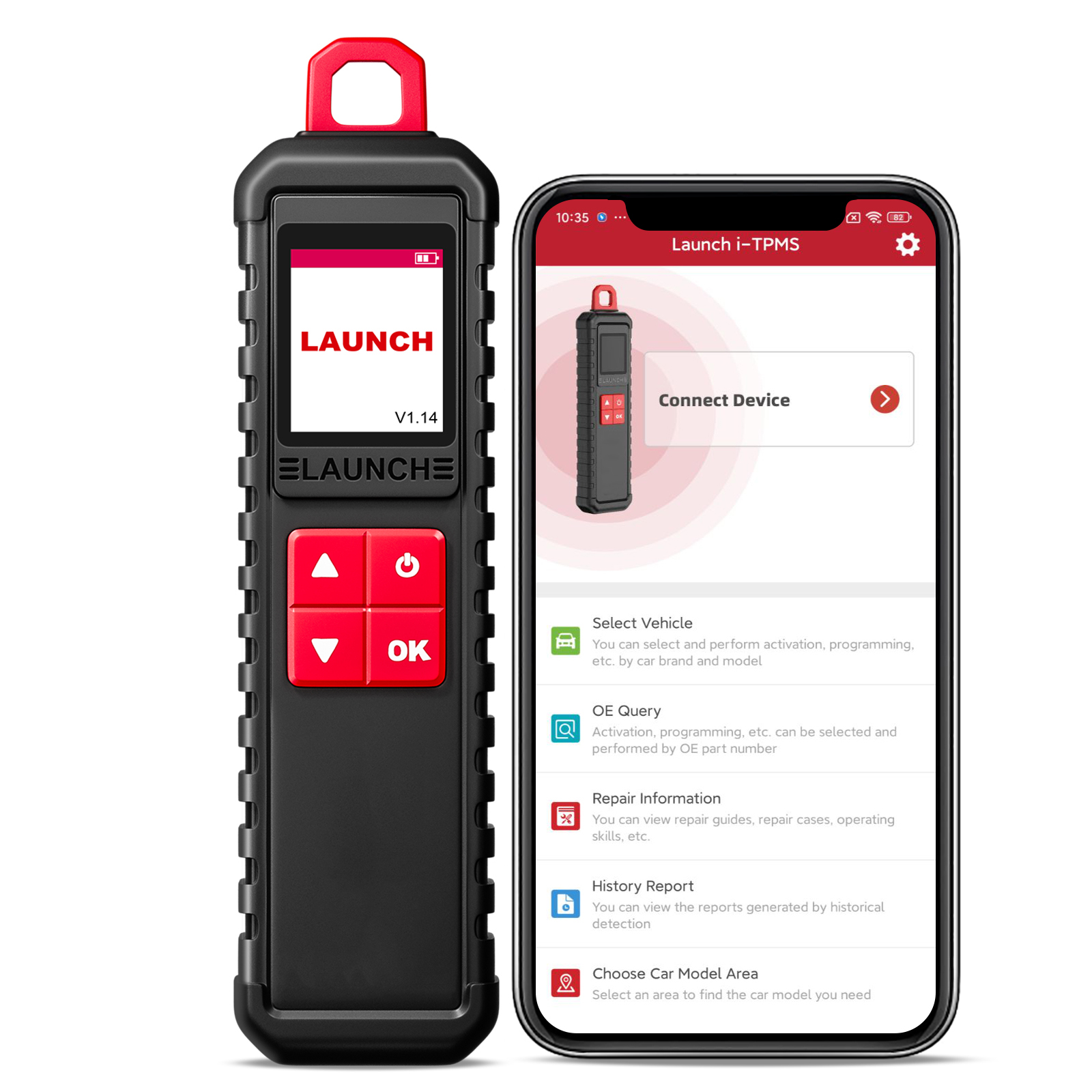
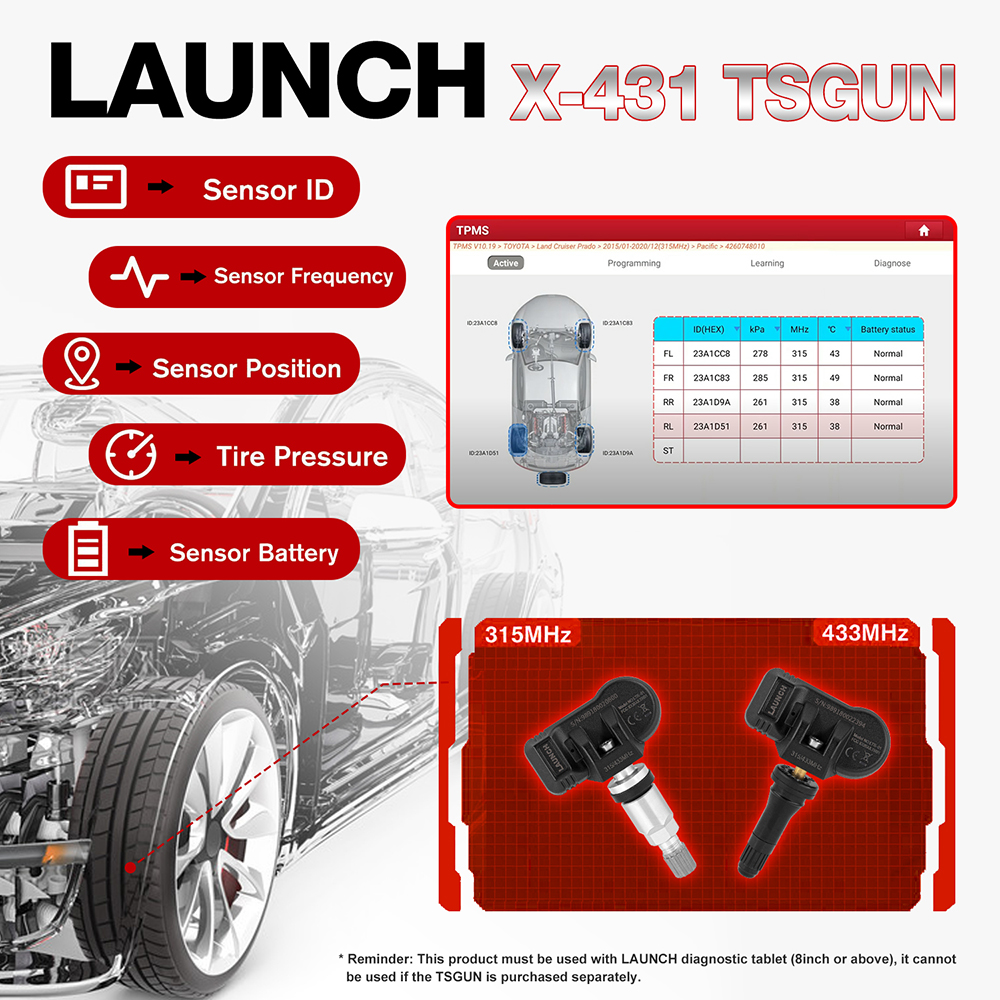
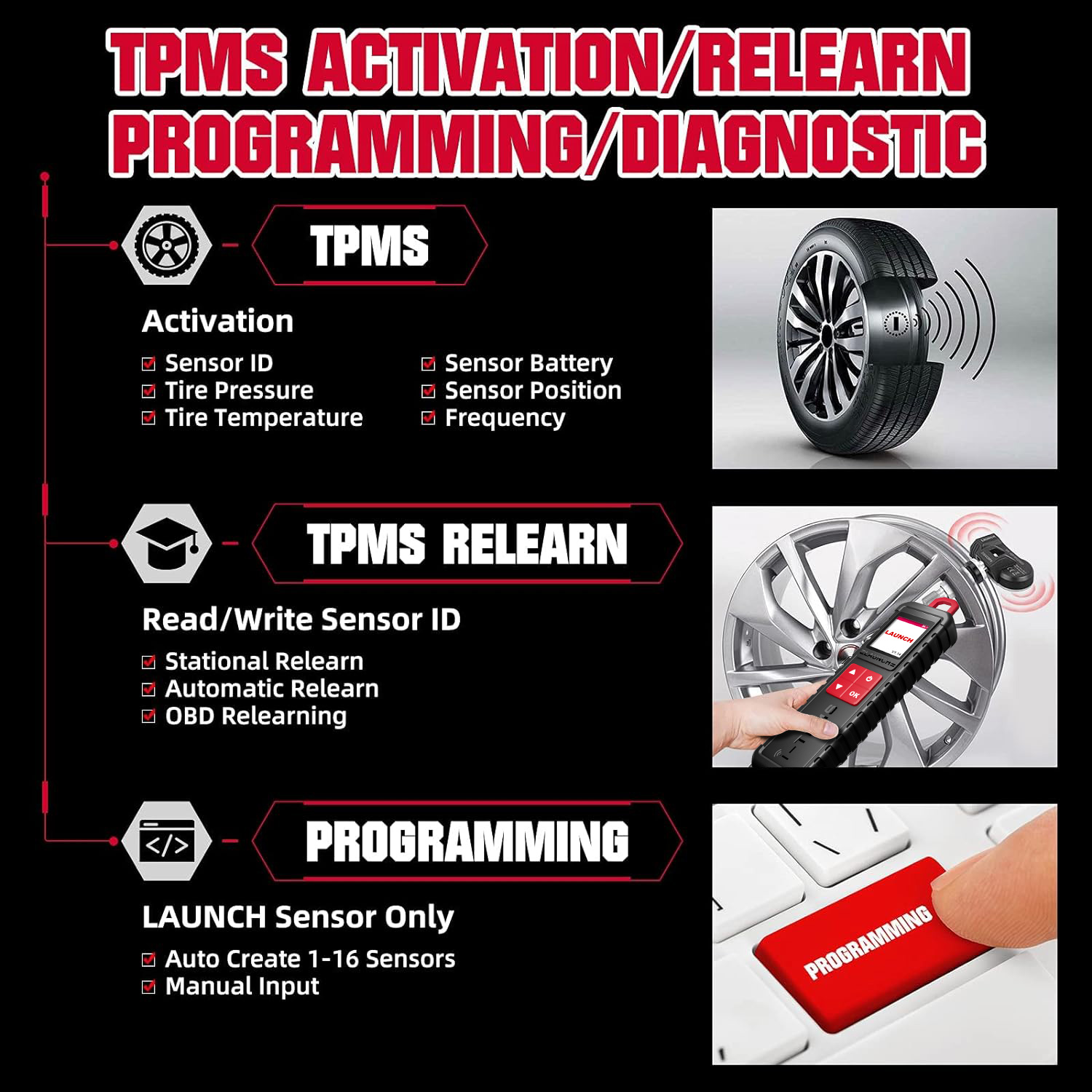
Activate Sensor
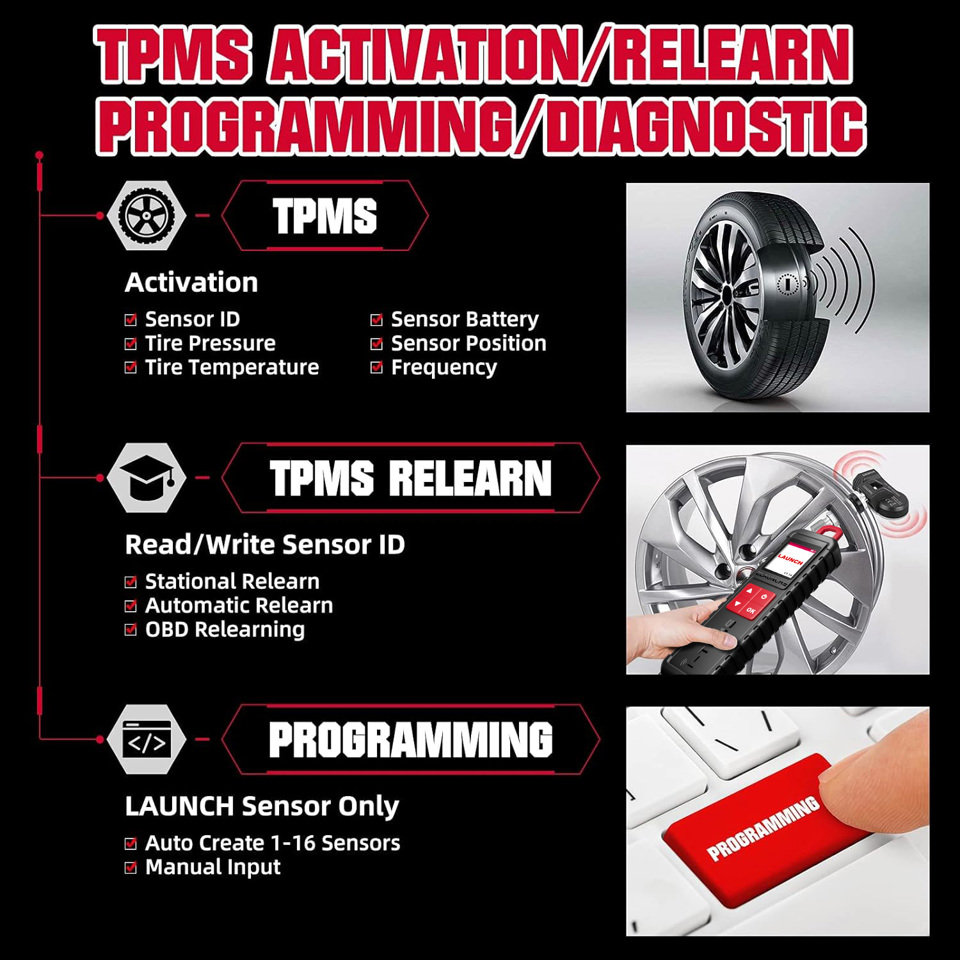
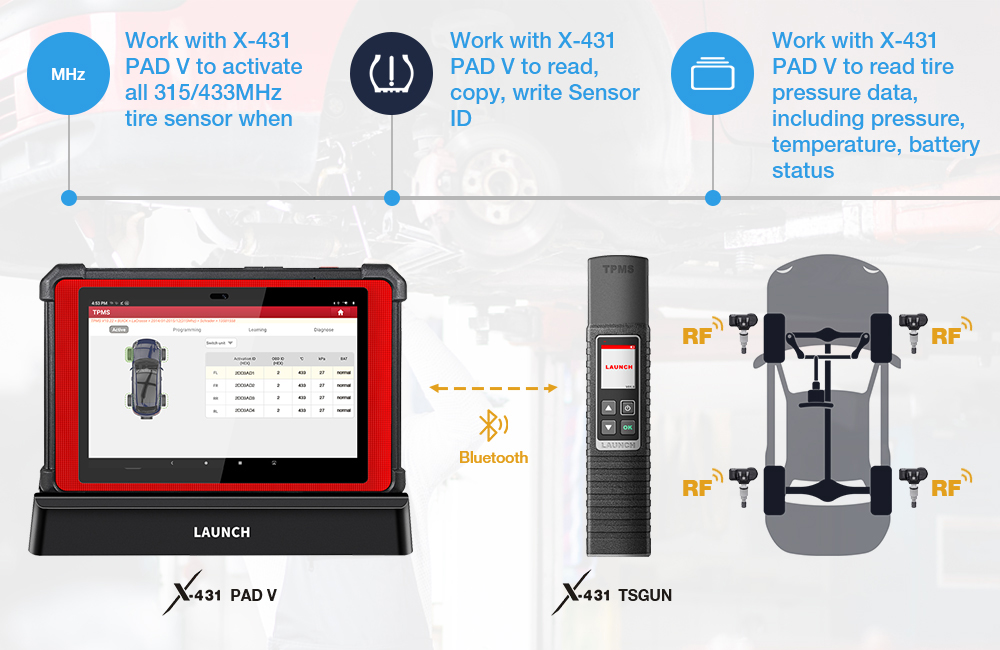
This function allows users to activate TPMS sensor to view sensor data such as sensor ID tire pressure tire frequency tire temperature and battery condition.
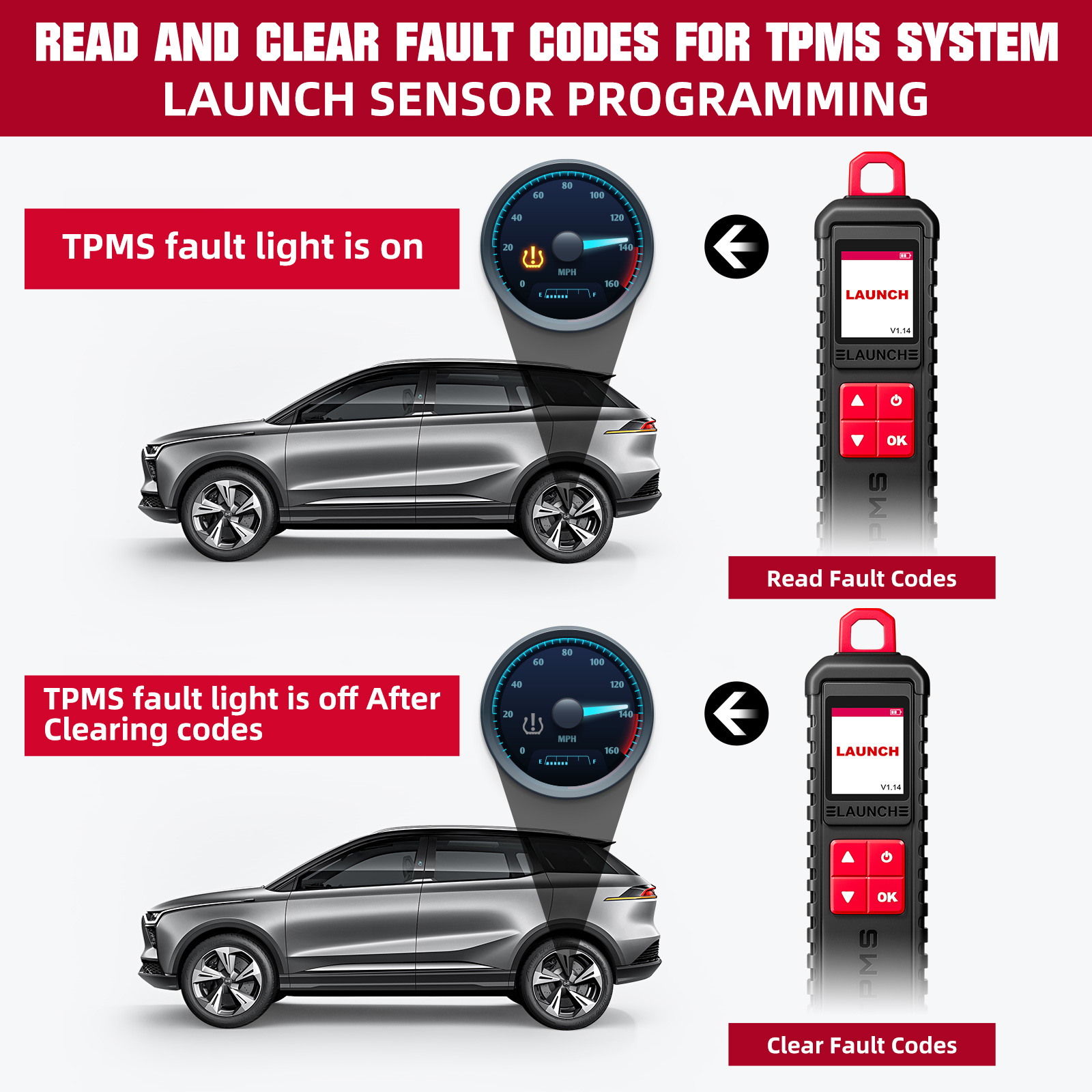
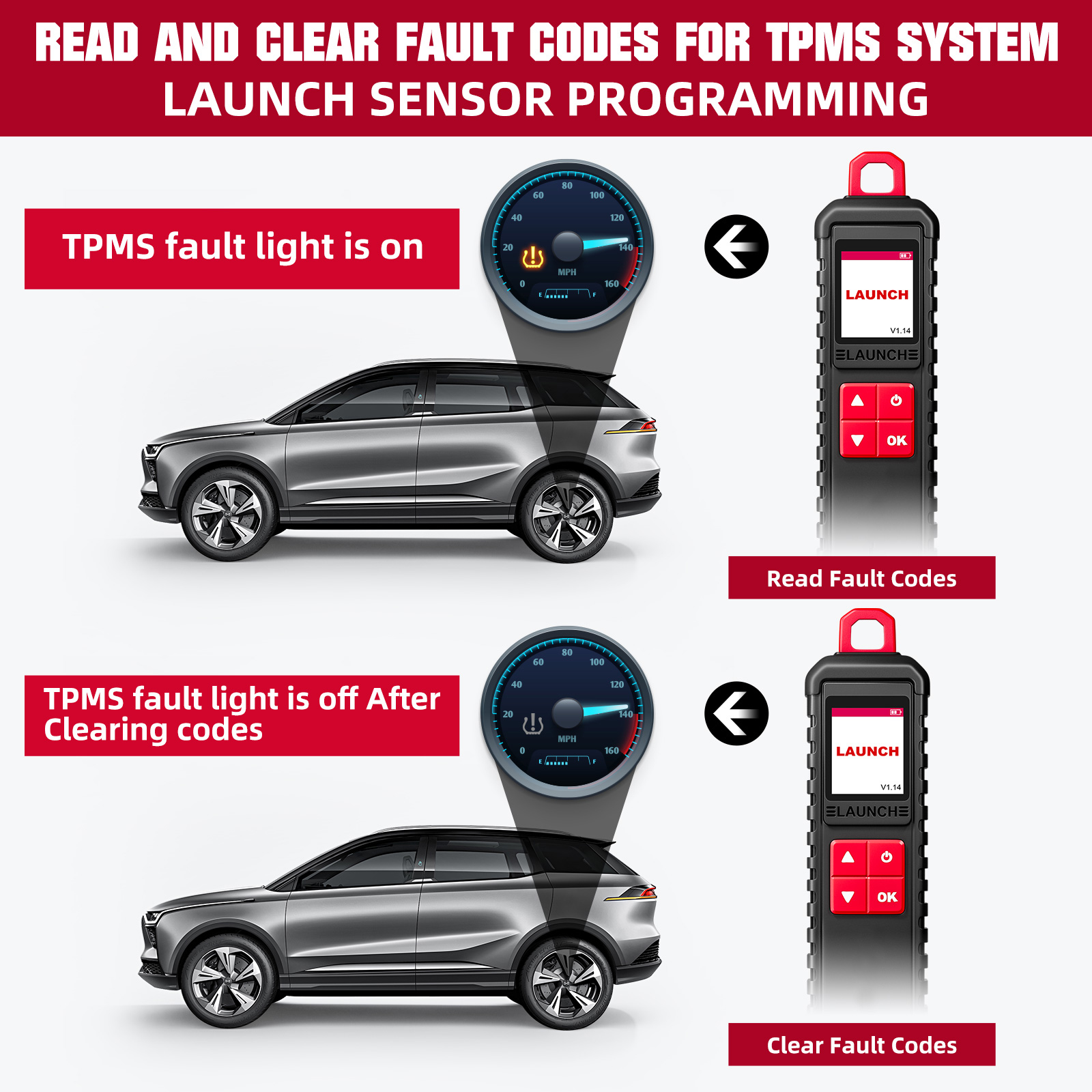
Diagnose tire pressure fault
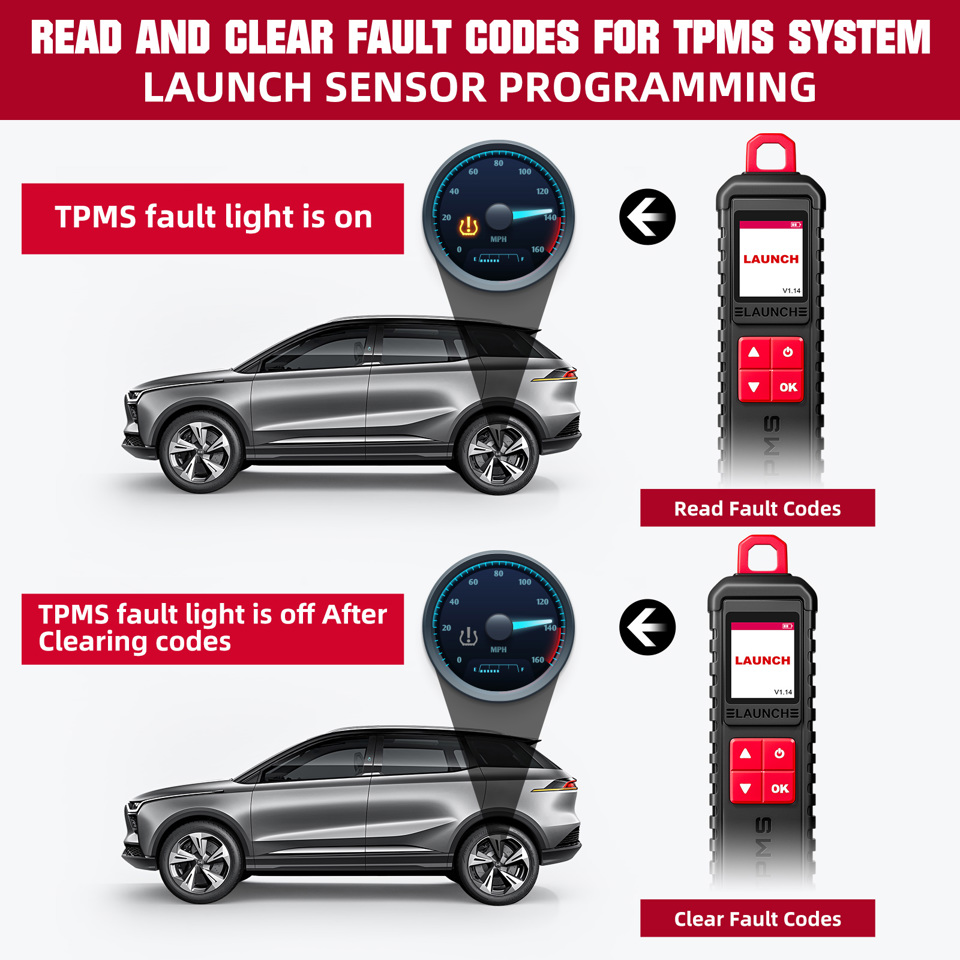
Read and clear the fault code of the TPMS system
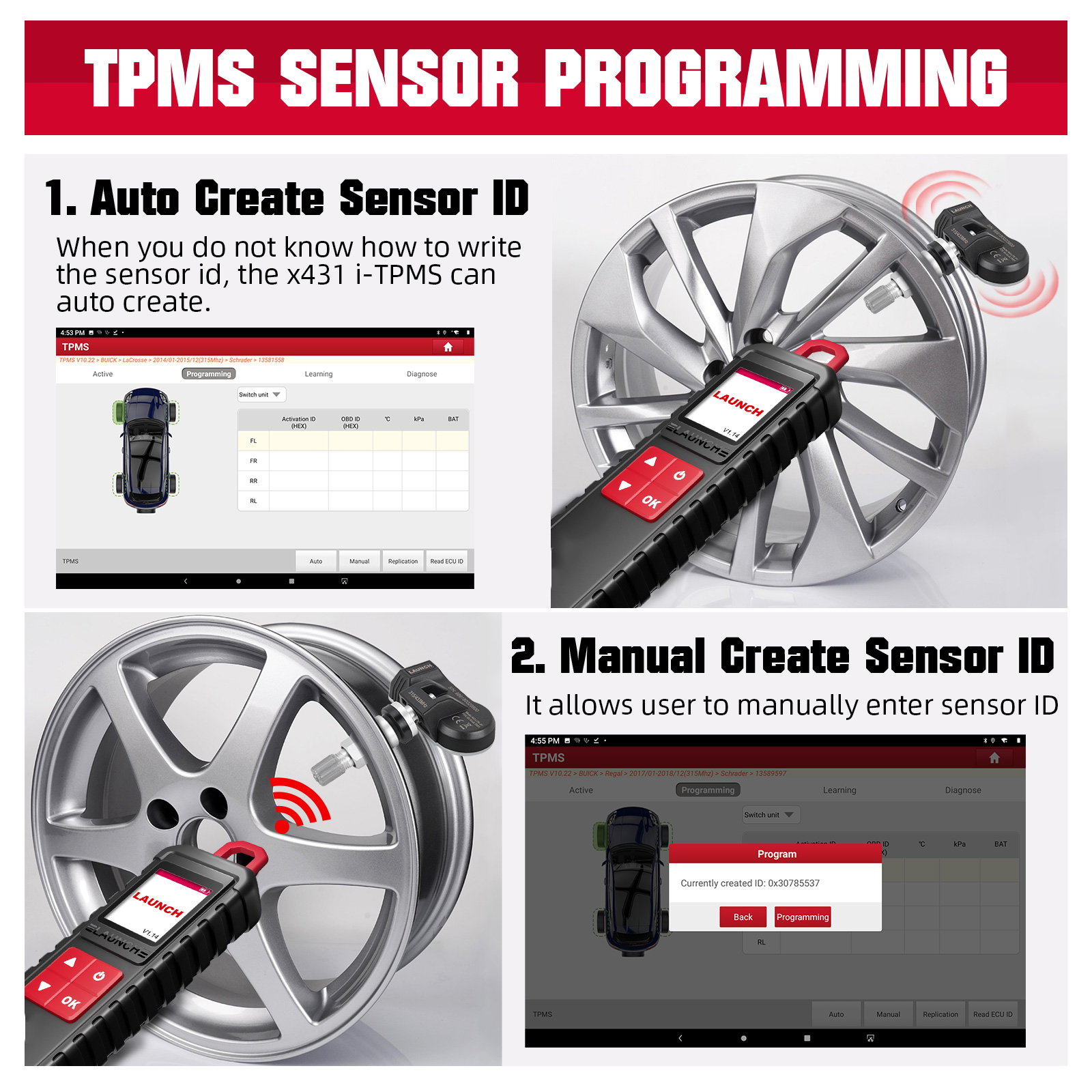
Program Sensor
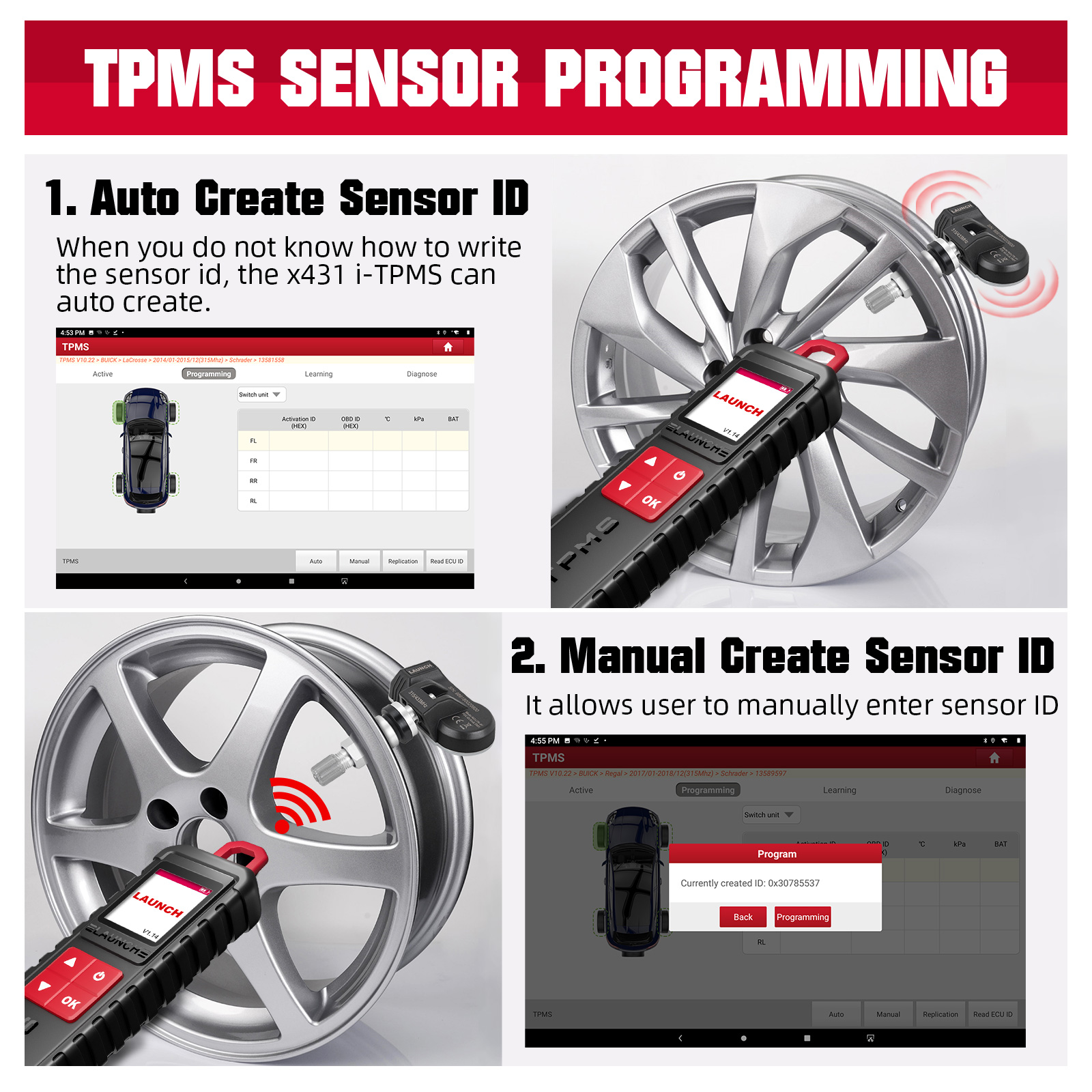
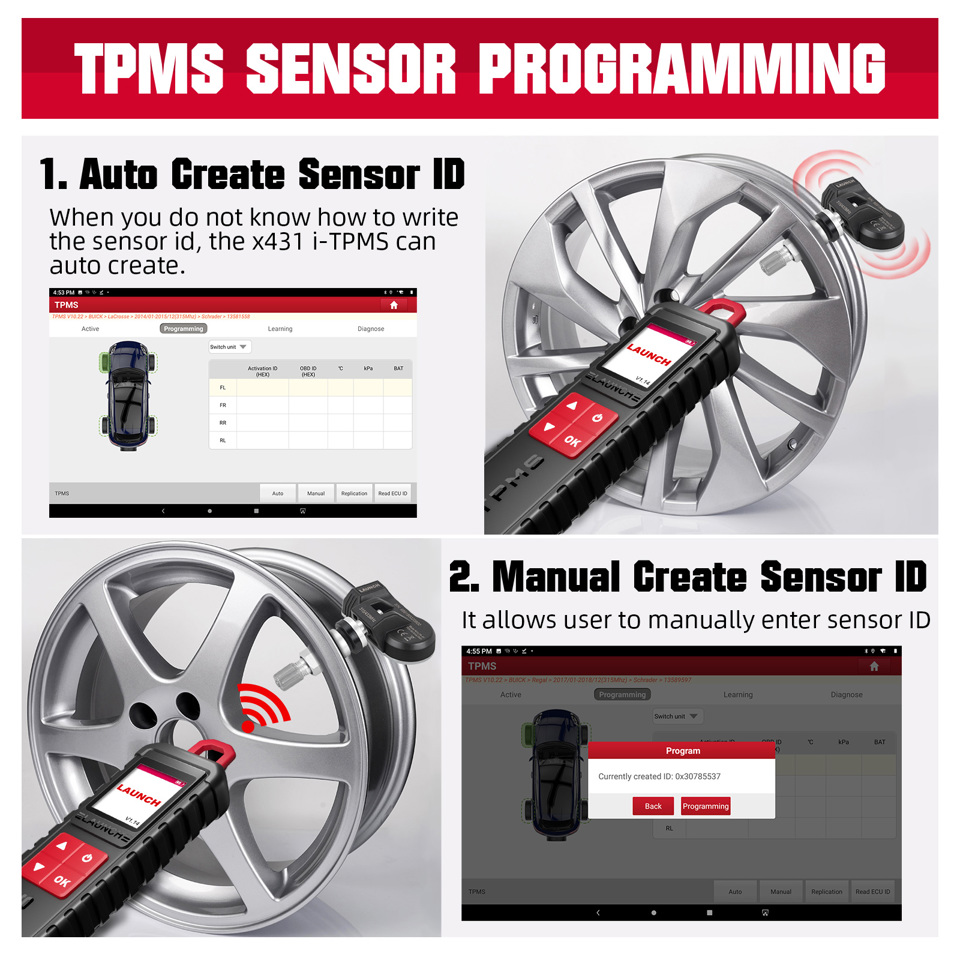
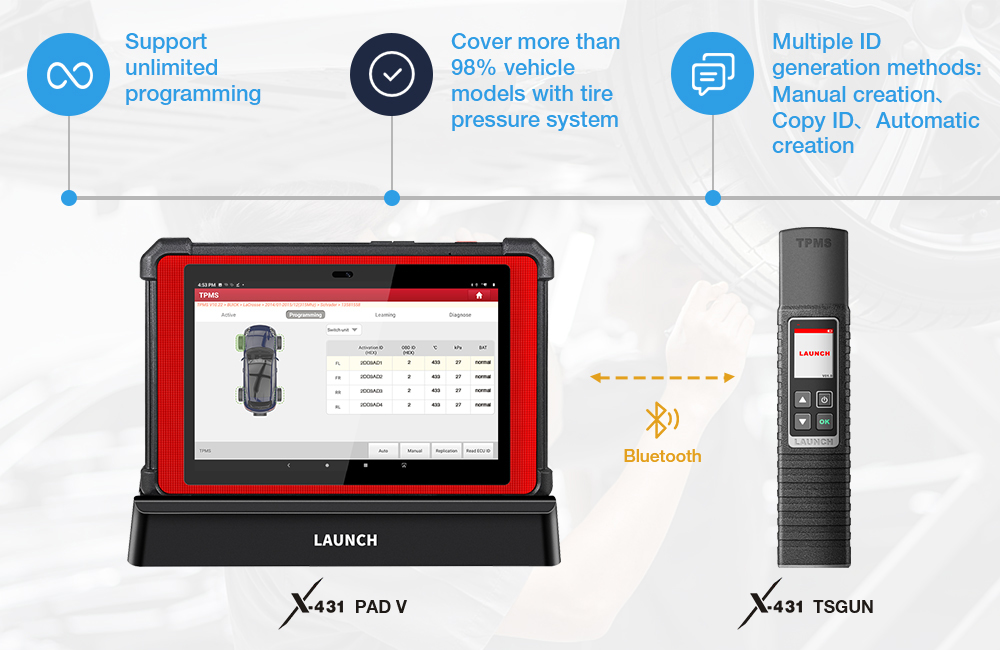
This function allows users to program the sensor data to the L AUNCH-sensor and replace faulty sensor with low battery life or one that is not functioning.There are three options available for programming LAUNCH-sensor Auto Create Manual Create and Copy by Activation.(Note Do not place the device close to several sensors at the same time or the diagnostic tool will detect more sensors which may result in programming failure)
Method 1 - Auto Create
When the original sensor ID cannot be obtained this function can be used to program the LAUNCH sensor according to the ID randomly created by the test vehicle.
Method 2 - Manual Create
When the original sensor ID cannot be obtained this function can be used to program the LAUNCH sensor according to the ID randomly created by the test vehicle.
Method 3 - Copy By Activation
By first activating the original sensor data and then copying the activated sensor data into the LAUNCH sensor. Before using this method the original sensor data must be activated.
TPMS Relearn
The user can use this function to write the newly programmed sensor ID into the vehicle ECU for sensor identification. Only when the newly programmed sensor ID is different from the original sensor ID stored in the vehicle ECU the re-learning operation is required.There are three ways available for Relearn Static Learning Self- Learning and Relearn by OBD.
Method 1 - Static Learning
Static learning needs to put the vehicle in "learning mode" and then follow the learning steps prompted on the screen.
Method 2 - Self-Learning
For some vehicles the learning function can be completed by driving the vehicle self-learning.
Method 3- Relearn by OBD
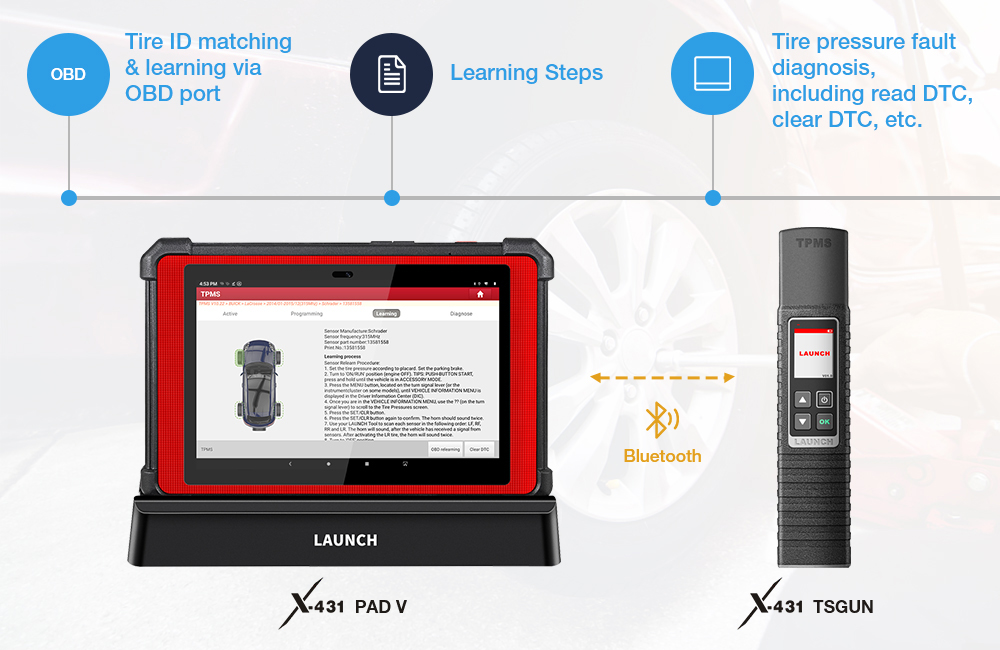
This function allows the diagnostic tool to write the sensor ID to the TPMS module.To perform the OBD re-learning function first use the tire pressure tool to activate all four tire sensors. Then use the diagnostic equipment and its attached diagnostic connector and follow the on-screen instructions to complete the re-learning operation.
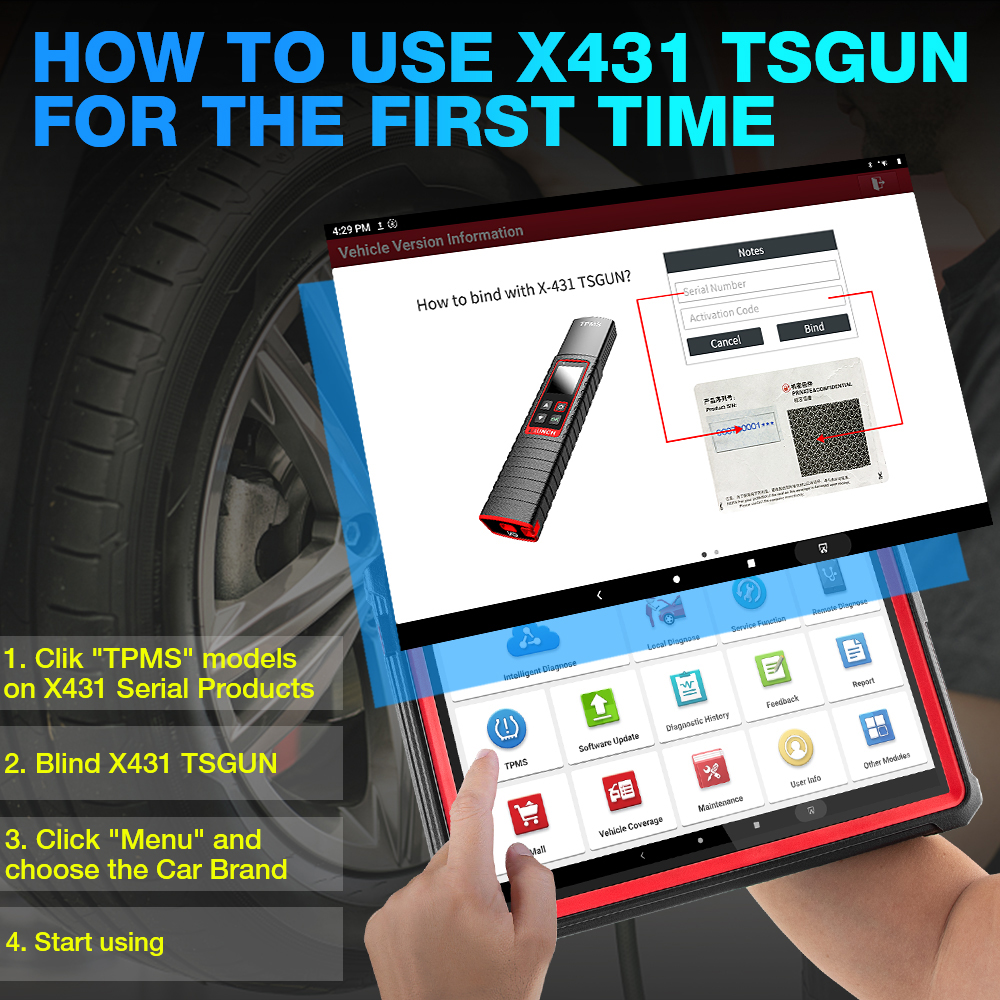
Easy to Binding I-TPMS Wand ?
For initial use user needs to bind the X-431 TSGUN to the diagnostic tool1. Tap TPMS on the Job menu of the diagnostic tool.2. Tap Bind X-431 TSGUN to enter.3. Tap Bind the binding interface will pop up.4. Enter the required information. After inputting tap Bind. It will be displayed in the Bound list automatically .( Repeat steps 3~4 to bind multiple X-431 TSGUN devices to the diagnostic tool.)
How does LAUNCH X-431 TSGUN Work ?
Compatiable Vehicle List

common problem
Q Why does my wireless tire pressure diagnostic tool keep staying on the startup page?Answer It is normal that the wireless tire pressure diagnostic tool always displays the boot page which means that the tire pressure tool is not currently in the TPMS function mode. If the communication between the tire pressure tool and the diagnostic device is normal as long as the diagnostic device is executing the TPMS function the tire pressure tool will switch to the corresponding function page.Q Why does my wireless tire pressure diagnostic tool never respond when the diagnostic device performs TPMS operations?Answer If this happens please check carefully1. Whether the tire pressure tool is successfully bound to the diagnostic equipment.2. Check whether the tire pressure tool you are currently using is checked in the "Binded Equipment" list. ·Whether the tire pressure tool is turned on.3. Whether the tire pressure tool is broken.Q Why does my wireless tire pressure diagnostic tool automatically shut down?Answer If this happens please check carefully2. When the device is turned on if the device is not charged and no operation is performed within 30 minutes the device will automatically shut down to save power.Question The wireless tire pressure diagnostic tool cannot activate one or more sensors.Answer If this happens please check carefully·Whether the tire pressure tool is broken.·Whether the sensor TPMS module or ECU itself is damaged or has a problem.·Whether a sensor is installed on the vehicle. Even if there is a metal valve it does not mean that there is a sensor on the vehicle. ·The tire pressure tool has detected multiple sensors at the same time.· The tire pressure tool may have a firmware problem which requires a firmware repair.Q What should I do if there is an unknown problem with my wireless tire pressure diagnostic tool?Answer When this happens please repair the tire pressure tool firmware. On the "Tire Pressure" version page click [Firmware Upgrade] to upgrade the firmware.